はじめに
FLUX.2-kleinは4Bモデルと9Bモデルがあるようです。
ライセンスに違いがあるようなので使用する際には注意が必要です。
4BモデルはApache-2.0 License、9BモデルはFLUX Non-Commercial Licenseのようです。
両方のモデルをDiffusersを使って試してみました。
Text2ImageとImage2Image(Edit)を試しています。
Text2Image
FLUX.2-klein-9B
「HuggingFace」の文字がちゃんと表示できませんでした。

GPU 0 - Used memory: 20.40/23.99 GB
time: 21.05 sec
FLUX.2-klein-9B(transformerのみを4bit量子化)
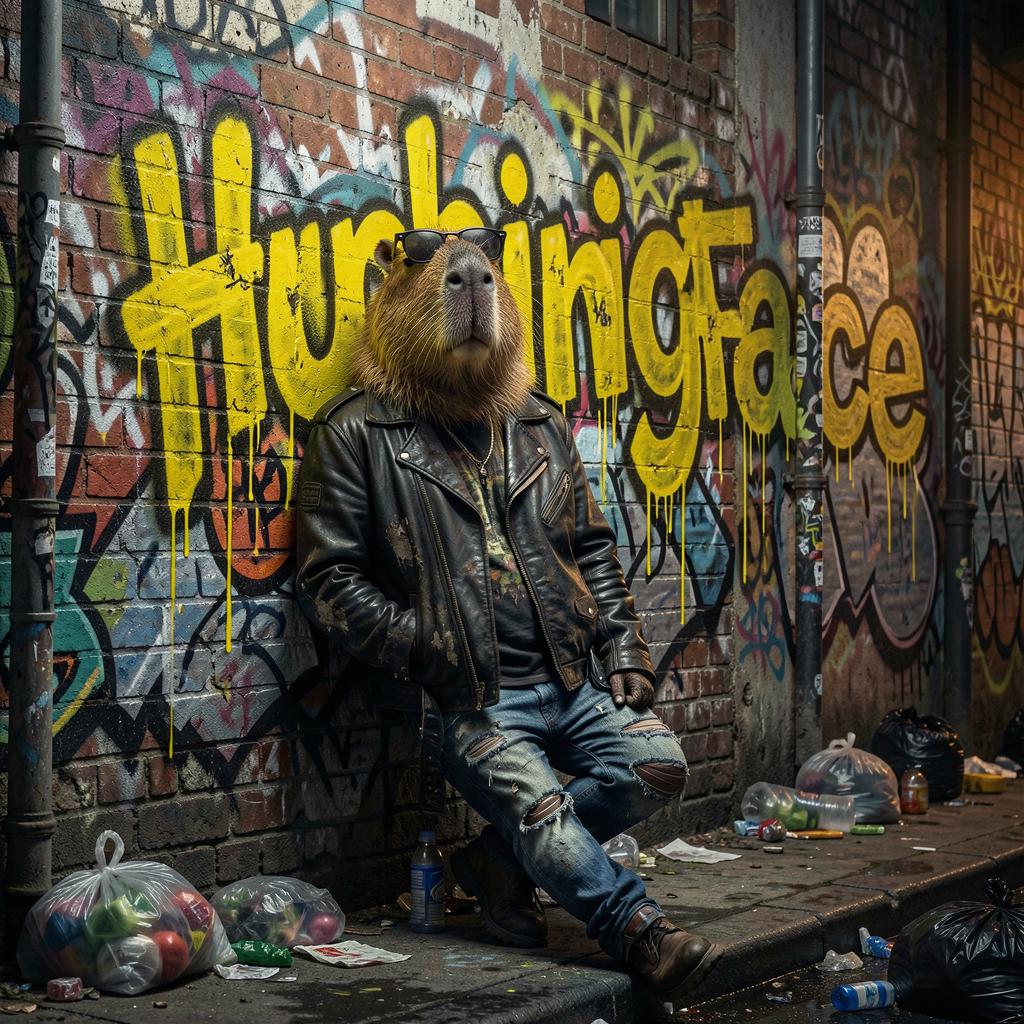
GPU 0 - Used memory: 17.40/23.99 GB
time: 21.53 sec
FLUX.2-klein-9B(text_encoderとtransformerを4bit量子化)
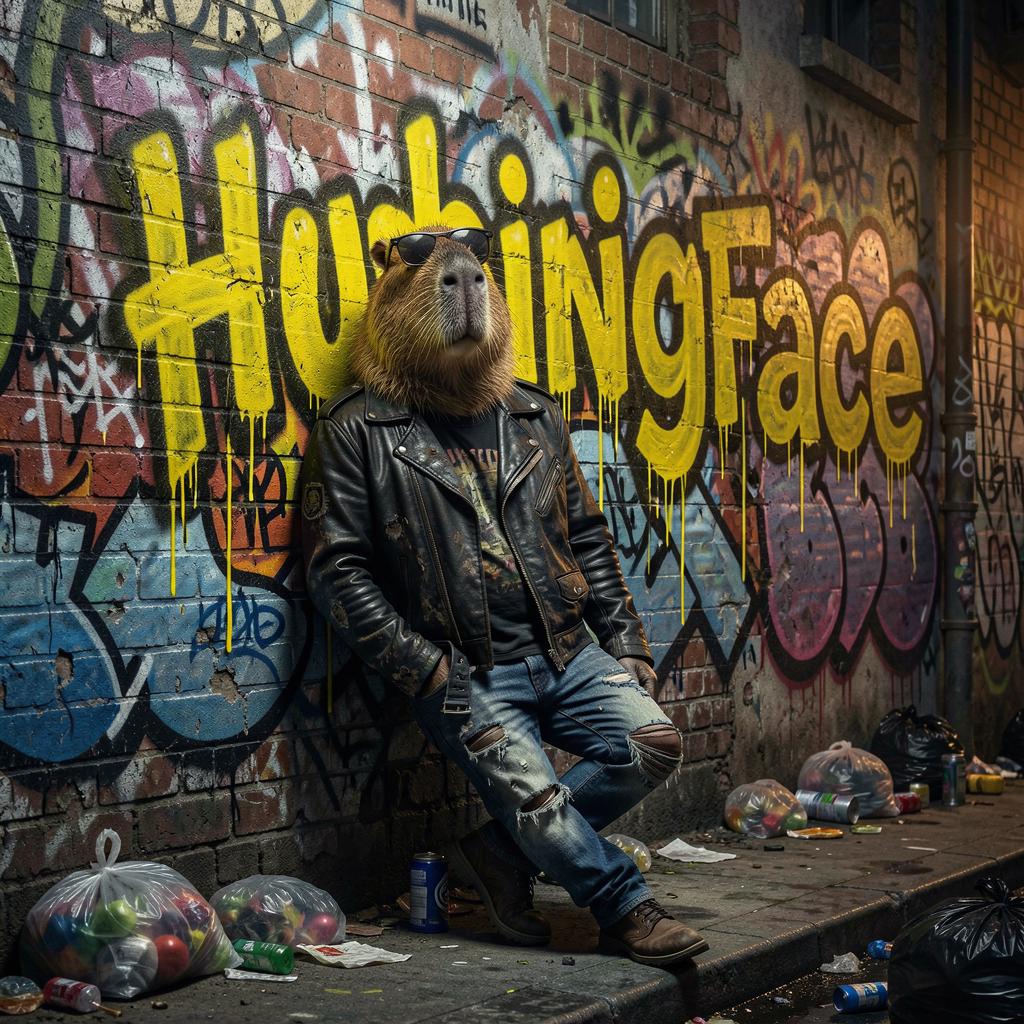
GPU 0 - Used memory: 13.19/23.99 GB
time: 25.13 sec
FLUX.2-klein-4B
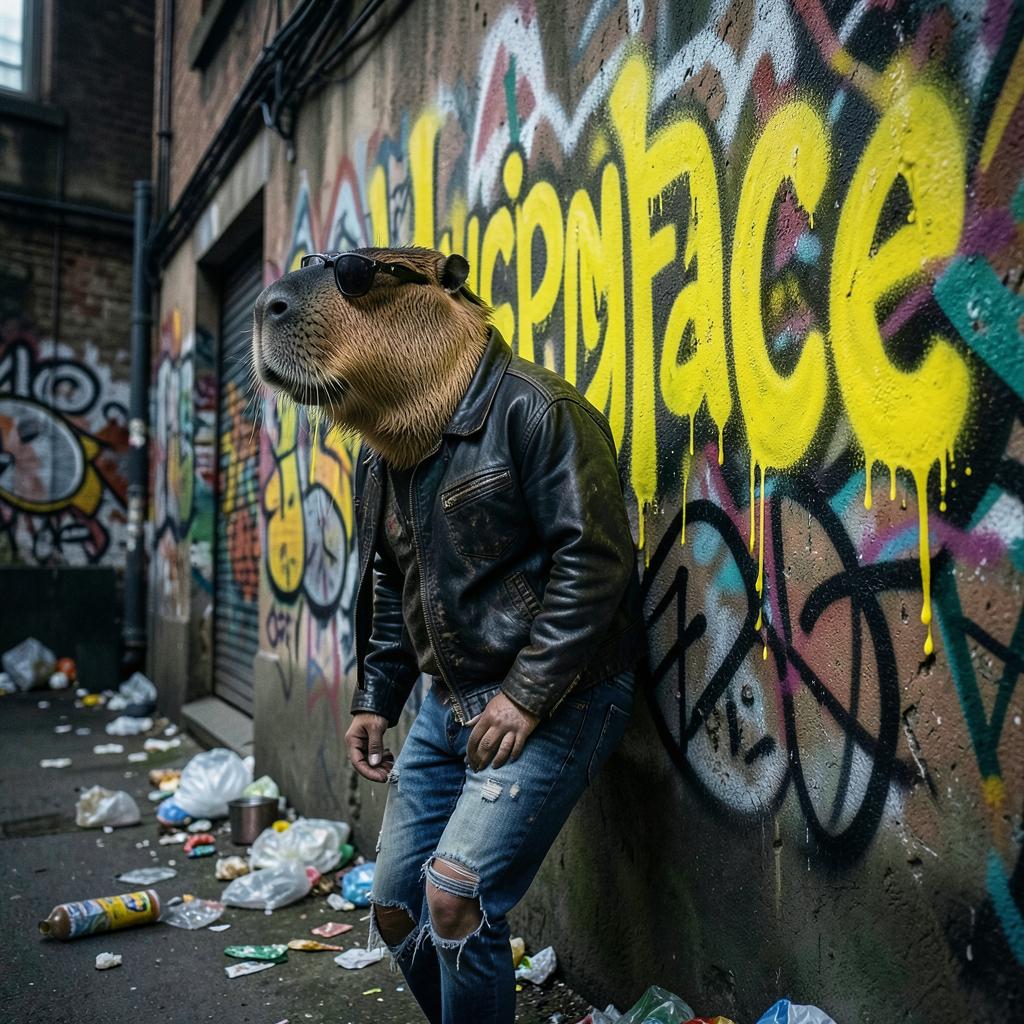
GPU 0 - Used memory: 10.38/23.99 GB
time: 11.03 sec
Image2Image
FLUX.2-klein-9B
左が元画像、右が生成画像です。
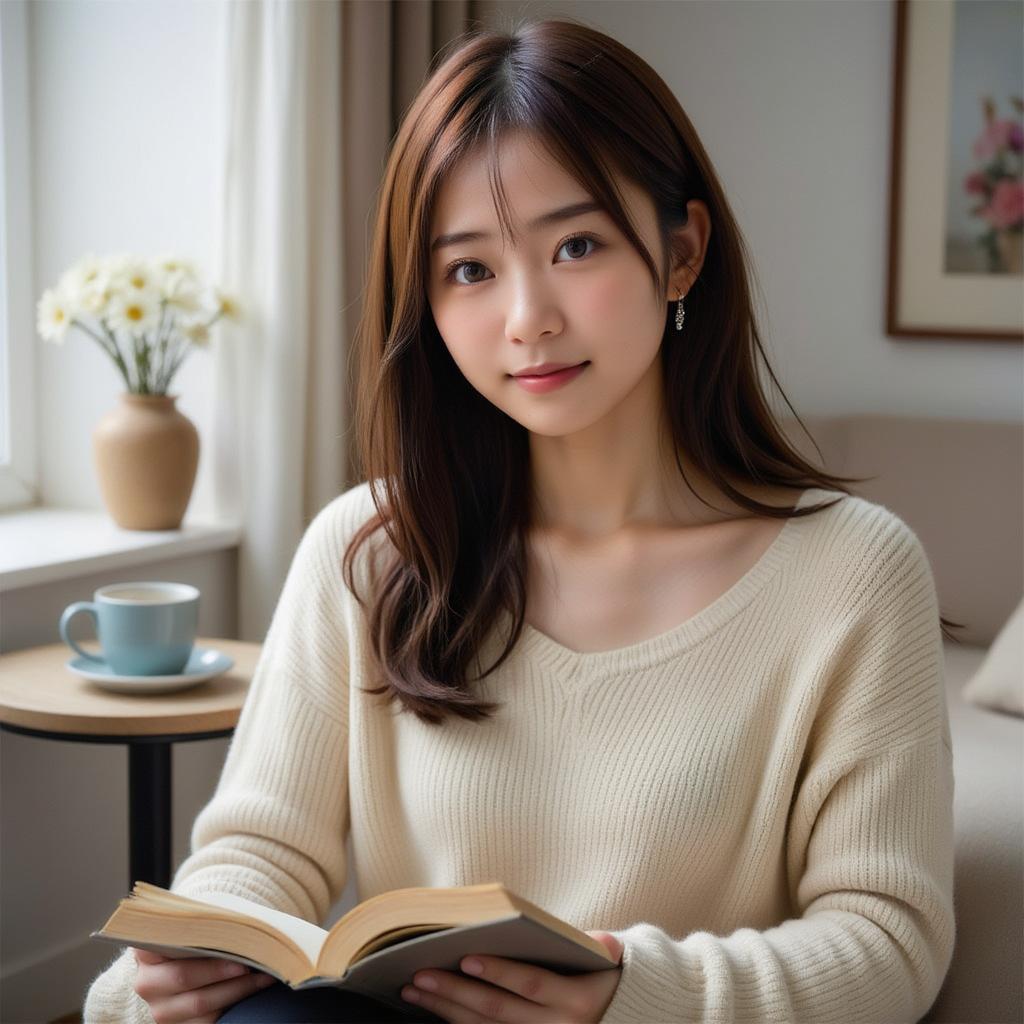
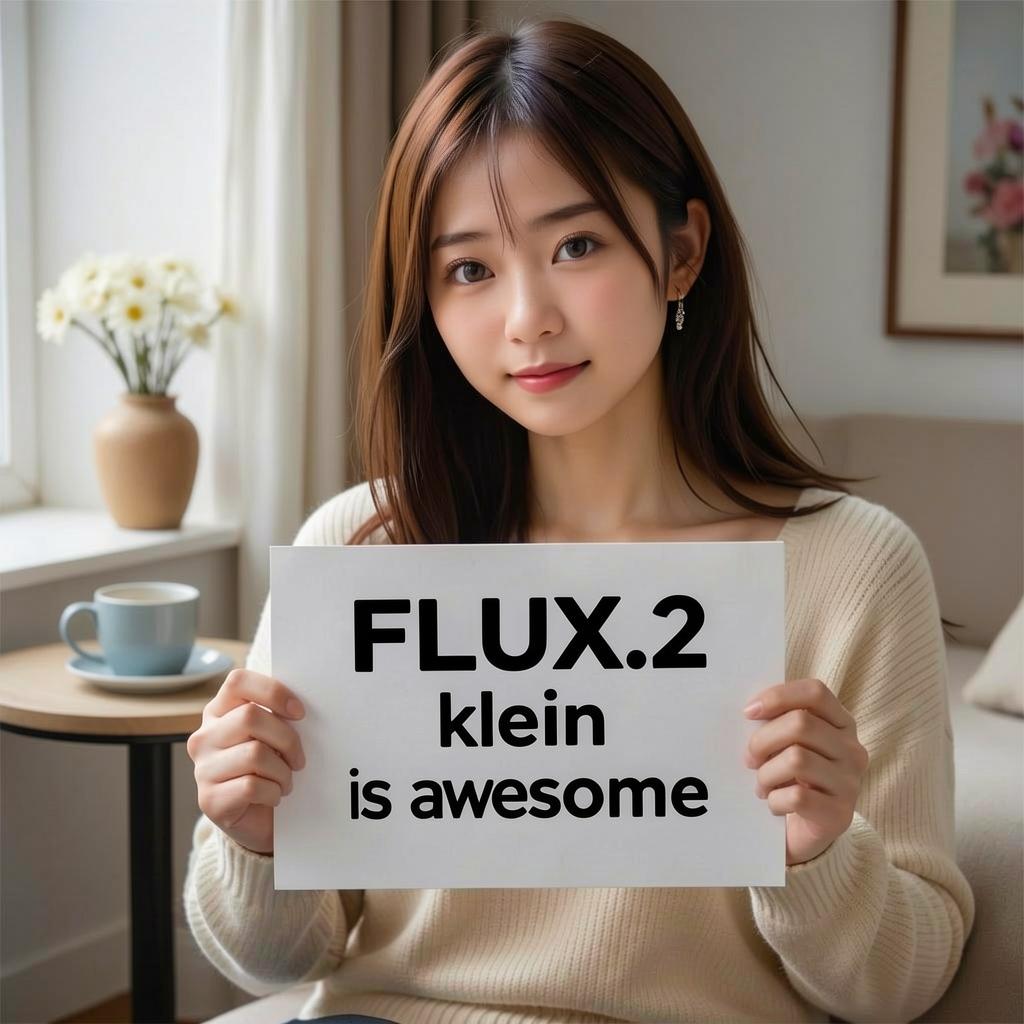
GPU 0 - Used memory: 22.14/23.99 GB
time: 25.36 sec
FLUX.2-klein-9B(transformerのみを4bit量子化)
左が元画像、右が生成画像です。
量子化しても生成画像の劣化はほとんどわかりません。
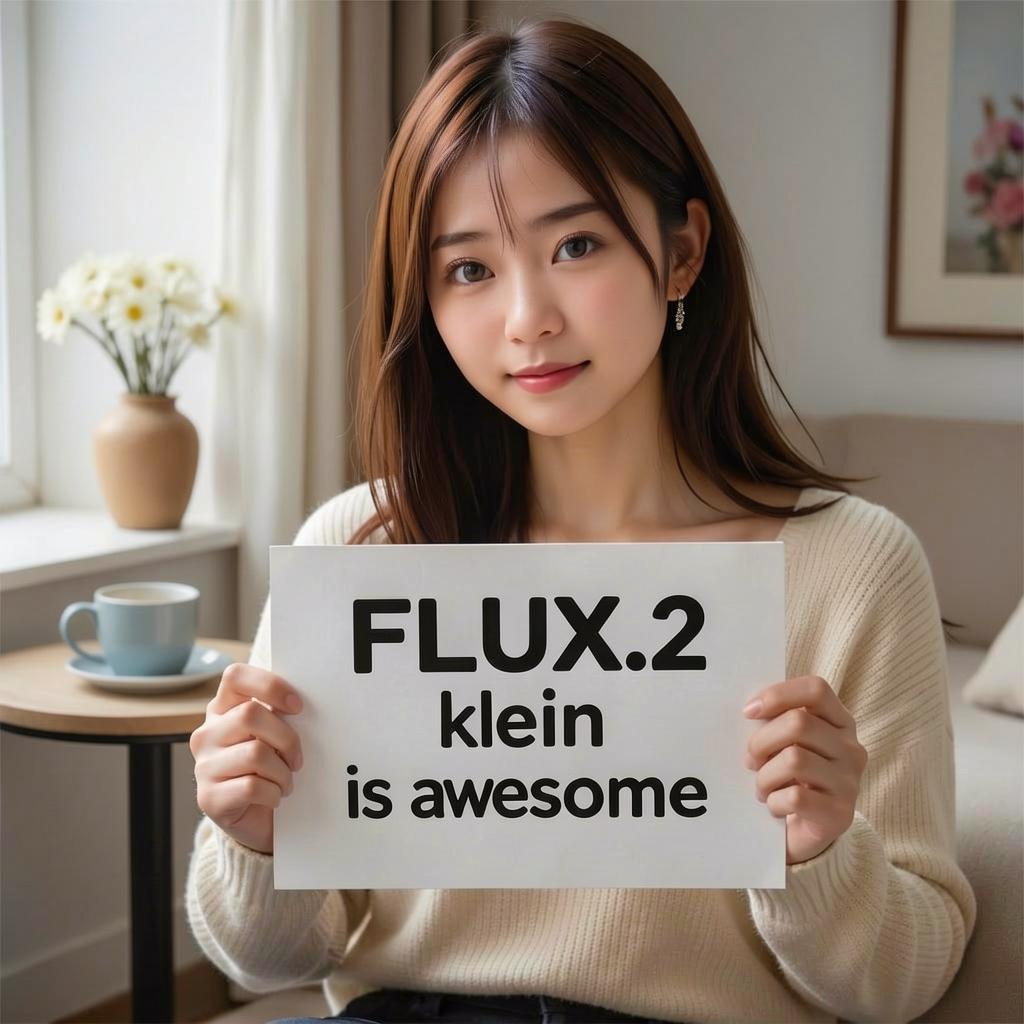
GPU 0 - Used memory: 19.30/23.99 GB
time: 24.30 sec
FLUX.2-klein-9B(text_encoderとtransformerを4bit量子化)
左が元画像、右が生成画像です。
量子化しても生成画像の劣化はほとんどわかりません。
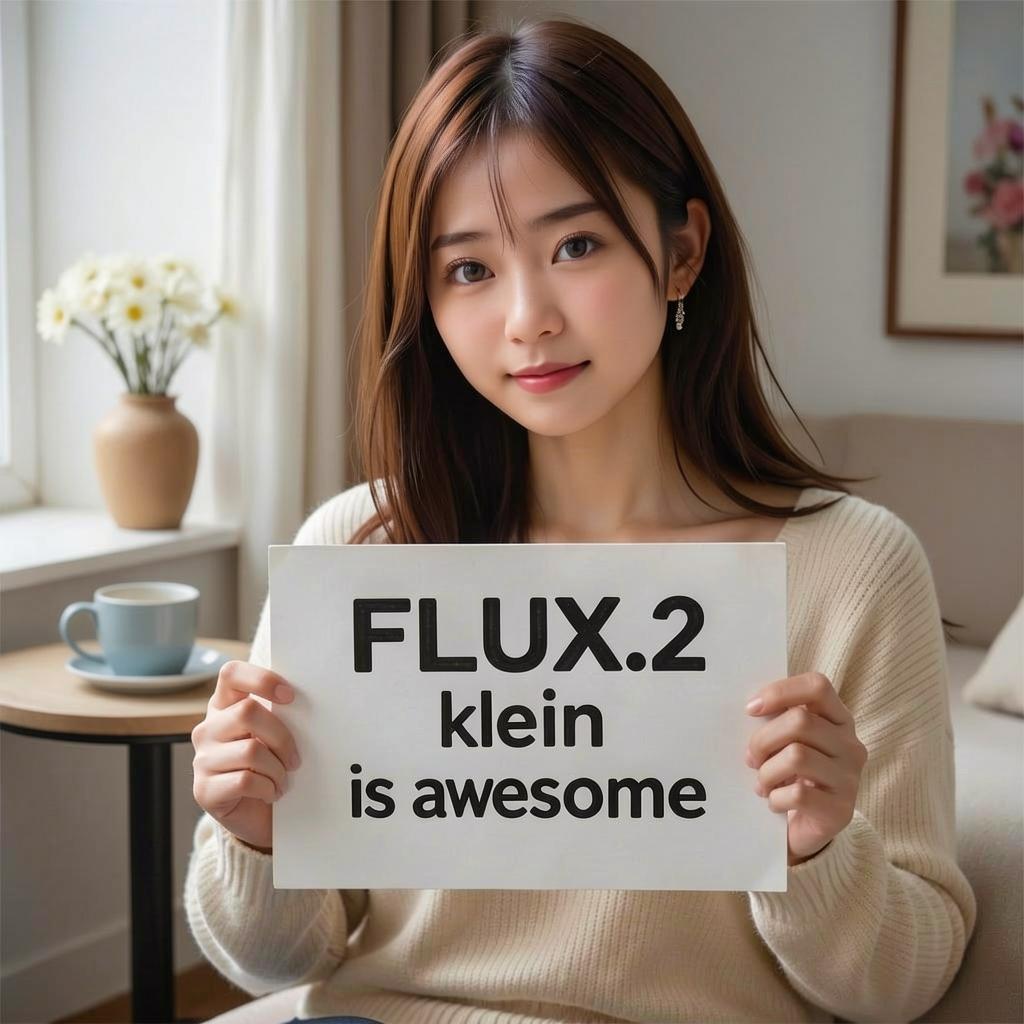
GPU 0 - Used memory: 13.24/23.99 GB
time: 27.35 sec
FLUX.2-klein-4B
こちらはどうもうまくいきませんでした。
(動作ができないのではなく、生成画像の質の問題です)
環境構築
pyproject.tomlを載せておきます。
uvを使うとuv syncだけで環境構築できると思います。
[project]
name = "flux"
version = "0.1.0"
description = "Add your description here"
readme = "README.md"
requires-python = ">=3.13"
dependencies = [
    "accelerate==1.12.0",
    "bitsandbytes==0.49.1",
    "diffusers @ git+https://github.com/huggingface/diffusers",
    "hf-xet==1.2.0",
    "huggingface-hub[cli]==0.36.0",
    "nvidia-ml-py==13.590.44",
    "torch==2.9.1+cu126",
    "torchvision==0.24.1+cu126",
    "transformers==4.57.6",
]

[[tool.uv.index]]
name = "torch-cuda"
url = "https://download.pytorch.org/whl/cu126"
explicit = true

[tool.uv.sources]
torch = [{ index = "torch-cuda" }]
torchvision = [{ index = "torch-cuda" }]
その他の結果
FLUX.2-klein-9B
上の2枚の画像から下の画像を作成しました。
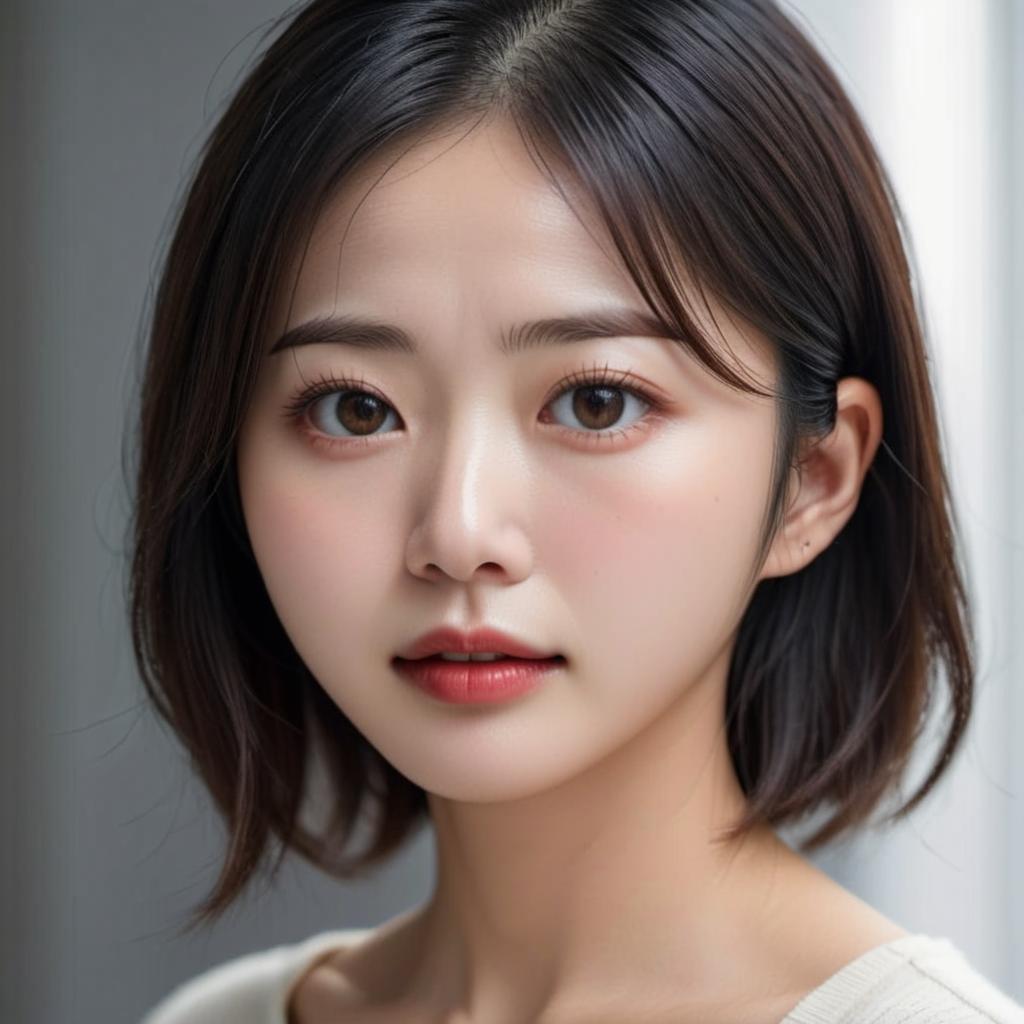
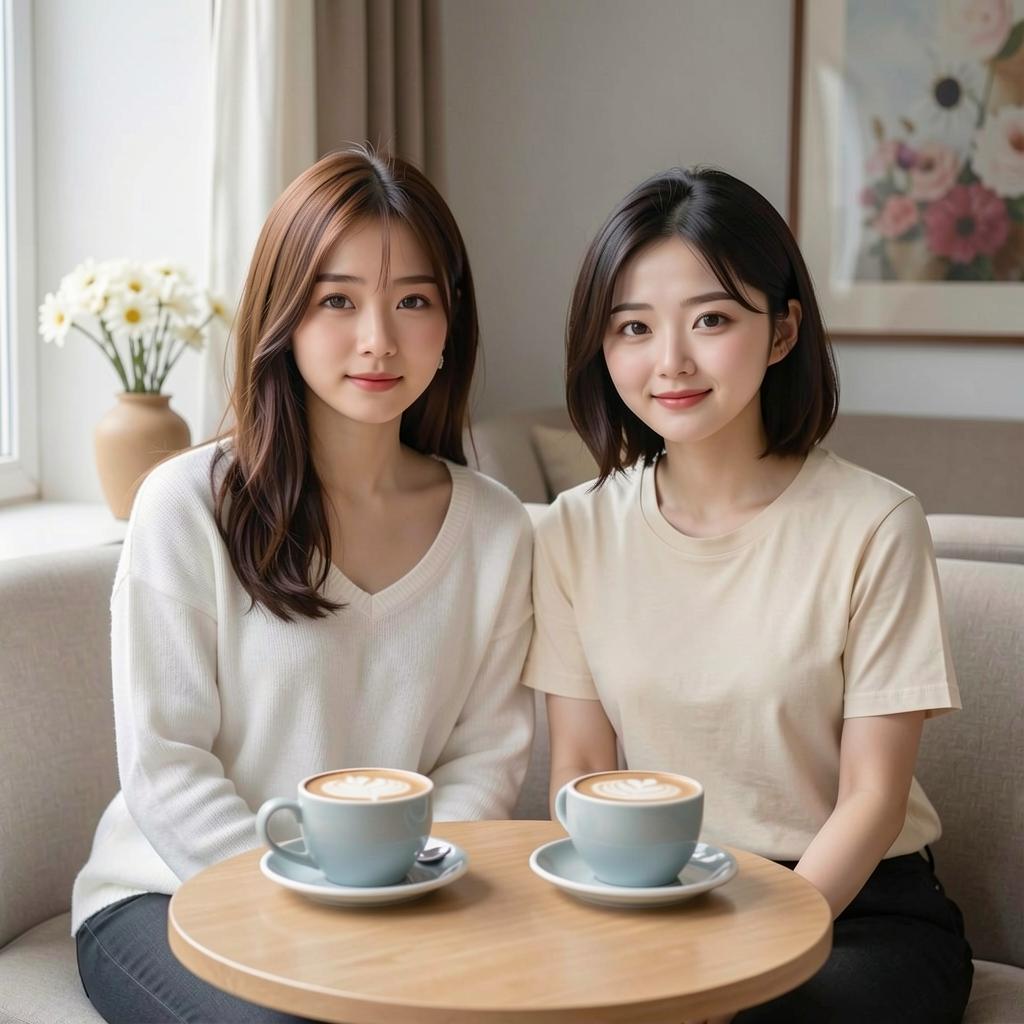
人物だけを抽出したつもりですが、1枚目の画像の背景がそのまま使われています。
pythonコード
import torch
from diffusers import Flux2KleinPipeline
from diffusers.utils import load_image

def main():
    pipe = Flux2KleinPipeline.from_pretrained(
        "black-forest-labs/FLUX.2-klein-9B",
        torch_dtype=torch.bfloat16
    )

    pipe.enable_model_cpu_offload()

    prompt = "The woman with long hair, wearing white sweater in image 1 and the woman with middle hair, wearing cream-colored t-shirt in image 2 are sitting side by side on a sofa in a cafe. There are two cafe lattes on the table."
    image1 = load_image("1.jpg")
    image2 = load_image("2.jpg")

    image = pipe(
        prompt=prompt,
        image=[image1, image2],
        height=1024,
        width=1024,
        guidance_scale=1.0,
        num_inference_steps=4,
        generator=torch.manual_seed(0)
    ).images[0]

    image.save("edit-flux-klein-9B.jpg")

if __name__ == "__main__":
    main()
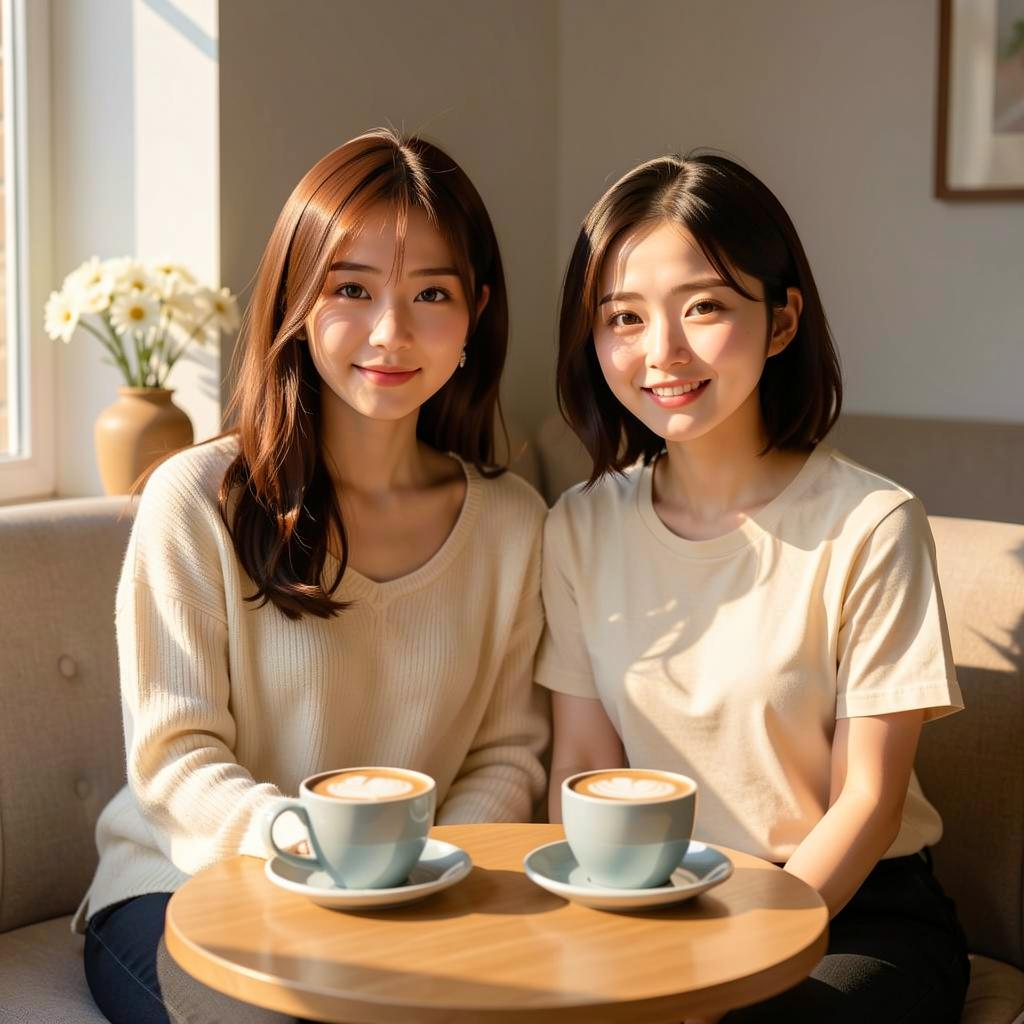
それぞれの女性の説明をpromptに含めることで再現性が高まります。
プロンプトを工夫すればがらっと雰囲気を変えることができました。
The woman from image 1 with her long hair and white sweater sits closely side by side with the woman from image 2, who has medium-length hair and wears a cream-colored t-shirt. They are relaxed on a plush sofa inside a cozy, sun-drenched cafe. On the rustic wooden table in front of them, two cafe lattes with delicate latte art catch the morning light. Soft, golden sunlight filters through a large window, creating a warm and inviting atmosphere.
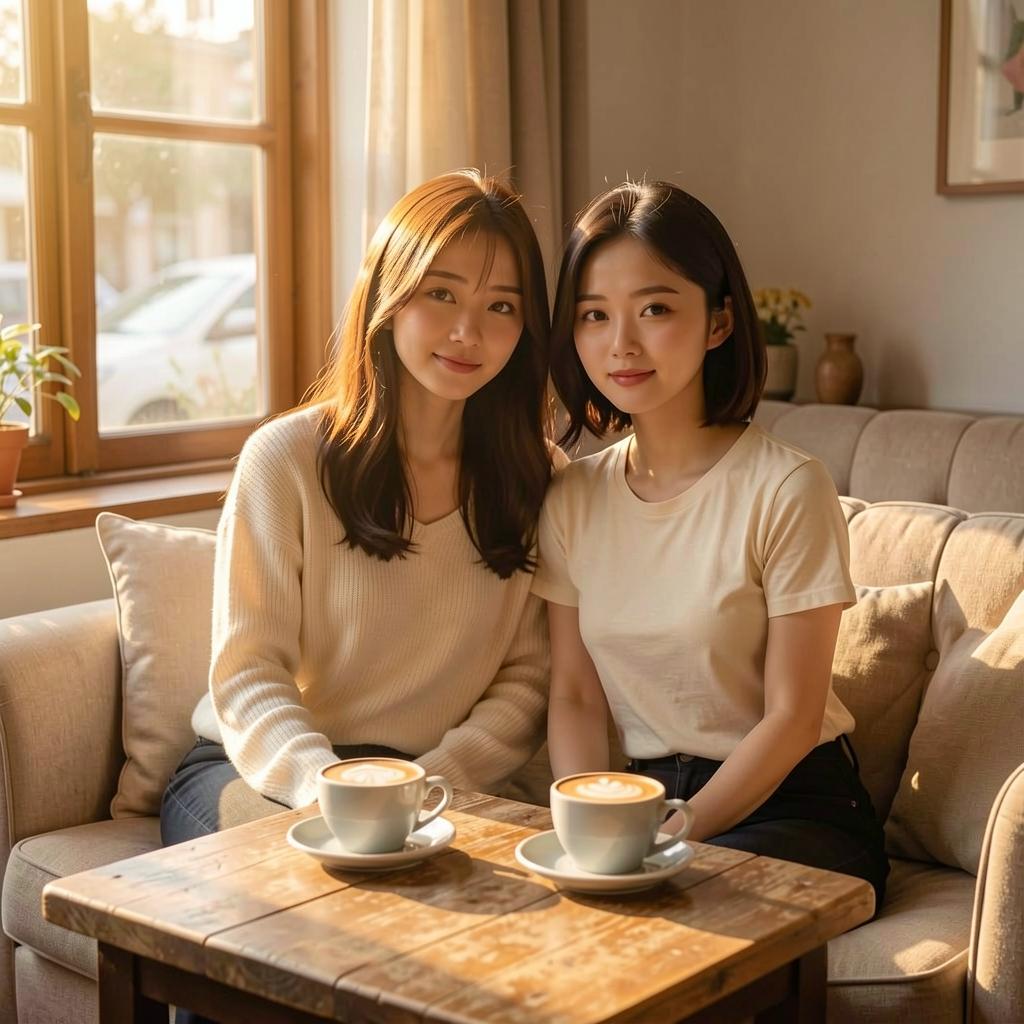
A cinematic shot of two friends sharing a quiet moment in a boutique cafe. The woman from image 1, recognizable by her long flowing hair and textured white sweater, is seated on a tan sofa next to the woman from image 2, who wears a simple cream-colored t-shirt. They are positioned in front of a low table holding two ceramic cups of cafe latte. Natural, diffused light spills across the scene, highlighting the steam rising from the coffee and the soft fabric of their clothes. Style: Lifestyle photography, warm tones, serene and grounded mood.
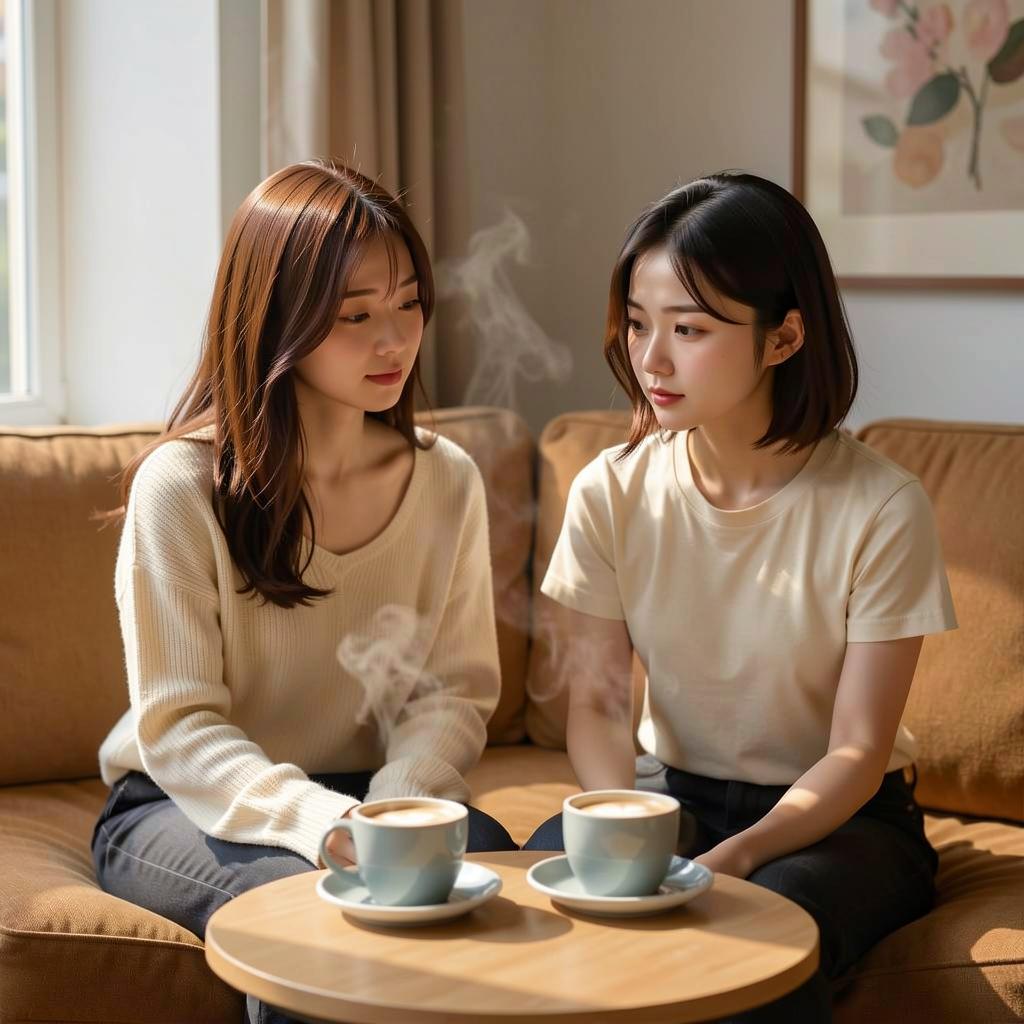
The long-haired woman in a white sweater from image 1 and the medium-haired woman in a cream t-shirt from image 2 are sitting together on a cafe sofa. Two cafe lattes sit on the table before them. Warm side-lighting from a nearby window creates gentle shadows, emphasizing a friendly and cozy morning vibe.
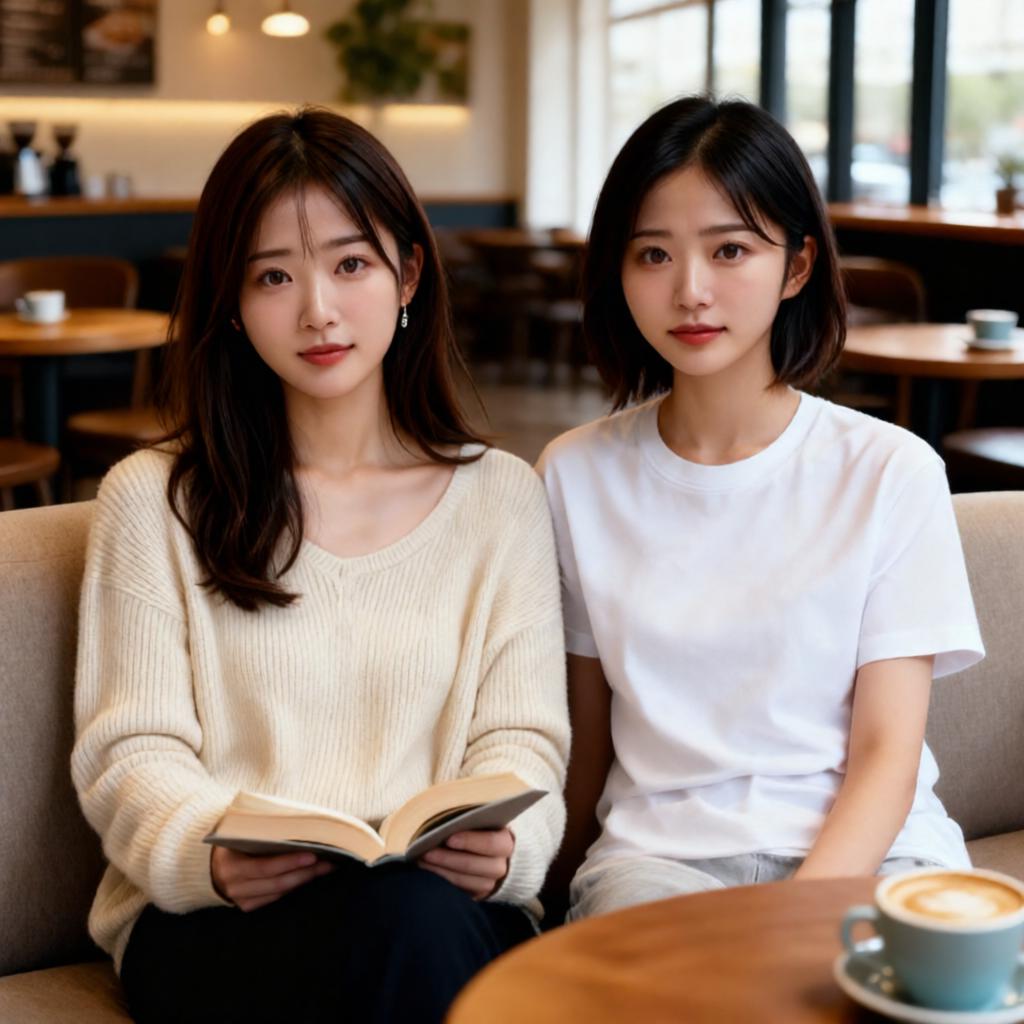
Qwen-Image-Edit-2511の結果を参考までに載せておきます。
FLUX.2-klein-9B

pythonコード
import torch
from diffusers import Flux2KleinPipeline
from diffusers.quantizers import PipelineQuantizationConfig

def main():
    pipeline_quant_config = PipelineQuantizationConfig(
        quant_backend="bitsandbytes_4bit",
        quant_kwargs={
            "load_in_4bit": True,
            "bnb_4bit_quant_type": "nf4",
            "bnb_4bit_compute_dtype": torch.bfloat16
        },
        components_to_quantize=["text_encoder", "transformer"]
    )

    pipe = Flux2KleinPipeline.from_pretrained(
        "black-forest-labs/FLUX.2-klein-9B",
        quantization_config=pipeline_quant_config,
        torch_dtype=torch.bfloat16
    )

    pipe.enable_model_cpu_offload()

    prompt = "A beautifully designed modern food magazine style dessert recipe illustration, themed around a raspberry mousse cake. The overall layout is clean and bright, divided into four main areas: the top left features a bold black title 'Raspberry Mousse Cake Recipe Guide', with a soft-lit close-up photo of the finished cake on the right, showcasing a light pink cake adorned with fresh raspberries and mint leaves; the bottom left contains an ingredient list section, titled 'Ingredients' in a simple font, listing 'Flour 150g', 'Eggs 3', 'Sugar 120g', 'Raspberry puree 200g', 'Gelatin sheets 10g', 'Whipping cream 300ml', and 'Fresh raspberries', each accompanied by minimalist line icons (like a flour bag, eggs, sugar jar, etc.); the bottom right displays four equally sized step boxes, each containing high-definition macro photos and corresponding instructions, arranged from top to bottom as follows: Step 1 shows a whisk whipping white foam (with the instruction 'Whip egg whites to stiff peaks'), Step 2 shows a red-and-white mixture being folded with a spatula (with the instruction 'Gently fold in the puree and batter'), Step 3 shows pink liquid being poured into a round mold (with the instruction 'Pour into mold and chill for 4 hours'), Step 4 shows the finished cake decorated with raspberries and mint leaves (with the instruction 'Decorate with raspberries and mint'); a light brown information bar runs along the bottom edge, with icons on the left representing 'Preparation time: 30 minutes', 'Cooking time: 20 minutes', and 'Servings: 8'. The overall color scheme is dominated by creamy white and light pink, with a subtle paper texture in the background, featuring compact and orderly text and image layout with clear information hierarchy."

    image = pipe(
        prompt=prompt,
        height=1024,
        width=1024,
        guidance_scale=1.0,
        num_inference_steps=4,
        generator=torch.manual_seed(0)
    ).images[0]

    image.save("flux-klein-9B-4bit.jpg")

if __name__ == "__main__":
    main()
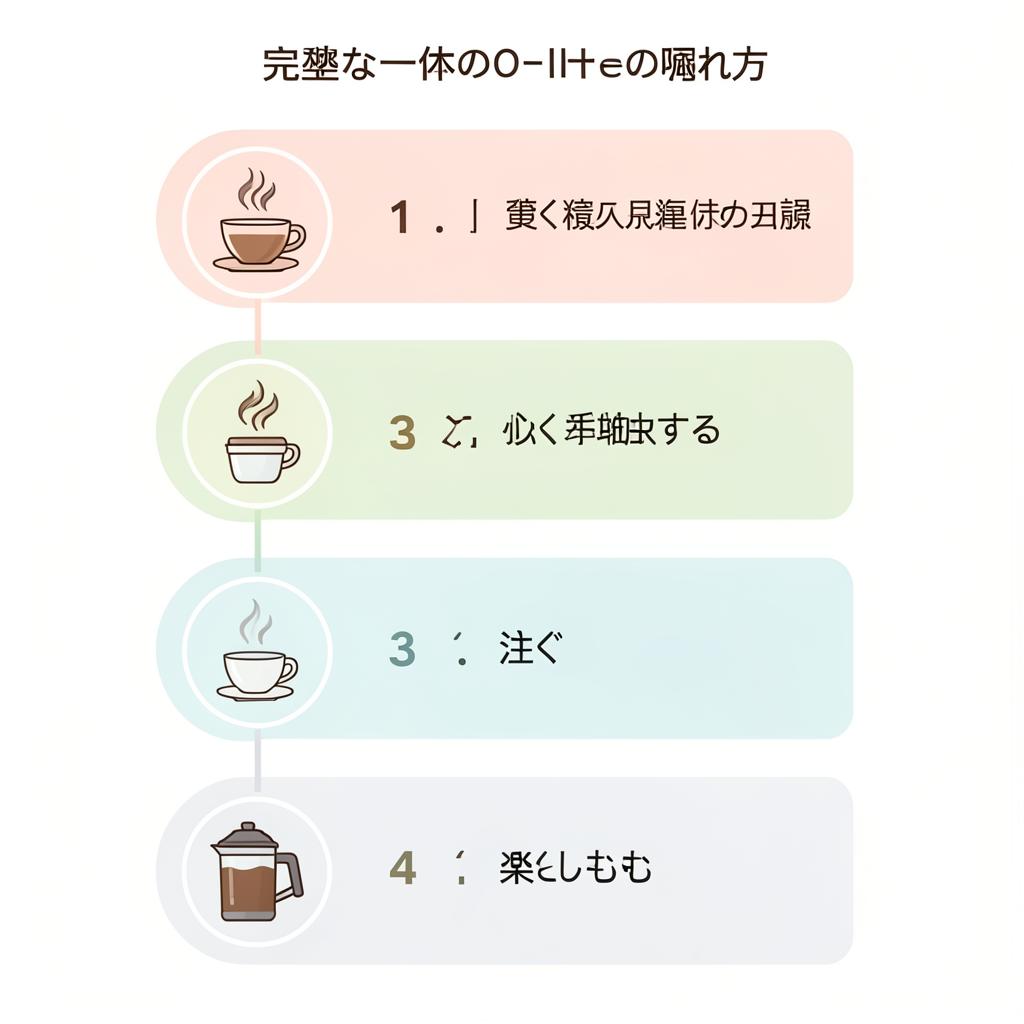
FLUX.2-klein-9B
日本語はダメなようです。
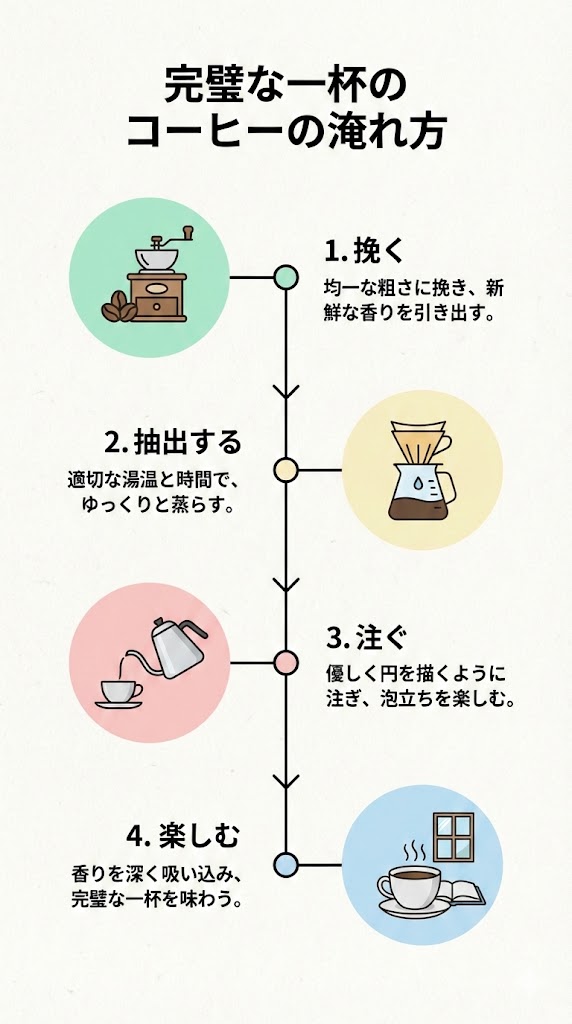
テーマ:「完璧な一杯のコーヒーの淹れ方」を4つのステップで解説する、プロフェッショナルなインフォグラフィック。
レイアウト:各ステップにアイコンを配置した、すっきりとした縦型のタイムライン。
ステップ:1. 挽く、2. 抽出する、3. 注ぐ、4. 楽しむ。
スタイル:ミニマルなフラットデザイン、パステルカラーパレット、高品質なベクターイラスト。
Nano Banana Proで作った画像を参考までに載せておきます。